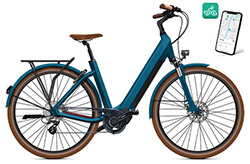
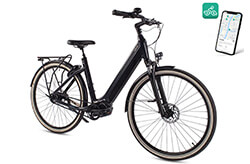
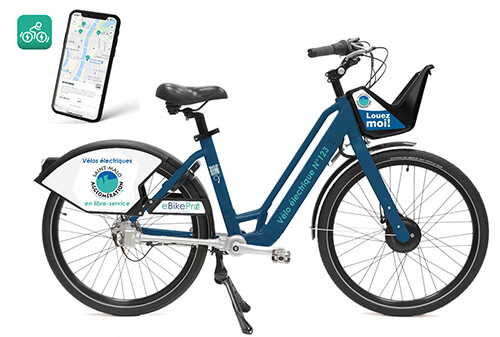
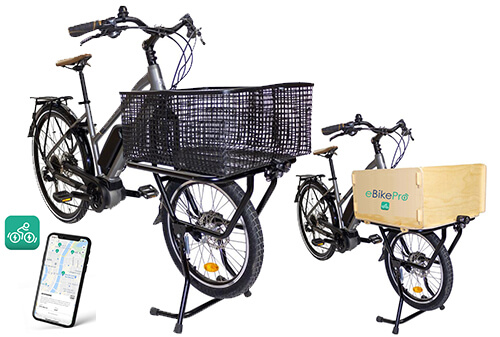
To access the ebikes click on ”Add a station” and enter the code BA25002

E-BIKE USE HOURS: 6:00 a.m. to 12:00 a.m. (midnight)
Apple Store for iPhone and Google Play for Android



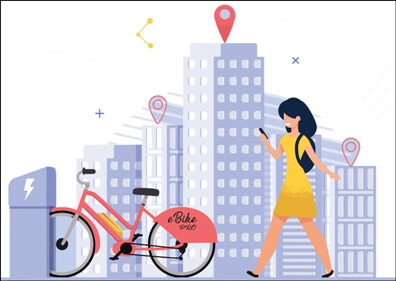
Enjoy a Self-Service Electric Bike Solution in Six-Fours Les Plages
Ebikes can be borrowed by all users completely independently through a self-service system.
Download the Six-Fours Les Plages, AsYouRide by eBikePro App and Sign Up
Start a ride with an ebike :
- Create your account by accepting the general terms and conditions of service.
- Confirm your ID through the email confirmation.
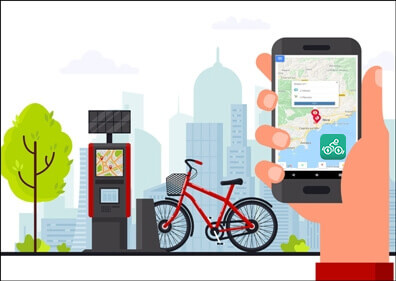
- In the app menu, click on “Add a station” and enter the code: BA25002 to access the ebikes.
- At the station, choose and reserve the ebike you want, then register your 100% secure payment method.
- Start your reservation, unplug the cable from the flashing dock, and place it in the ebike’s basket.
- The deposit is not charged; it’s only a bank authorization hold.
- Turn on your electric bike using the display button. Adjust your saddle, choose your assistance level, and YOU’RE GOOD TO GO !
Your payments are fully secured thanks to PCI DSS and GIE Carte Bancaire compliance.
How to use an ebike ?
- Unlock the ebike of your choice at the station.
- Always check the bike is functioning correctly before starting your ride.
- Turn on the ebike’s control display and select your desired assistance level (you can adjust this while riding).
- Shift gears (right handle) according to slope or desired speed.
Temporarily Pause a Ride (Rental Time Still Runs)
Outside of a station, you can take a break and secure the e-bike.
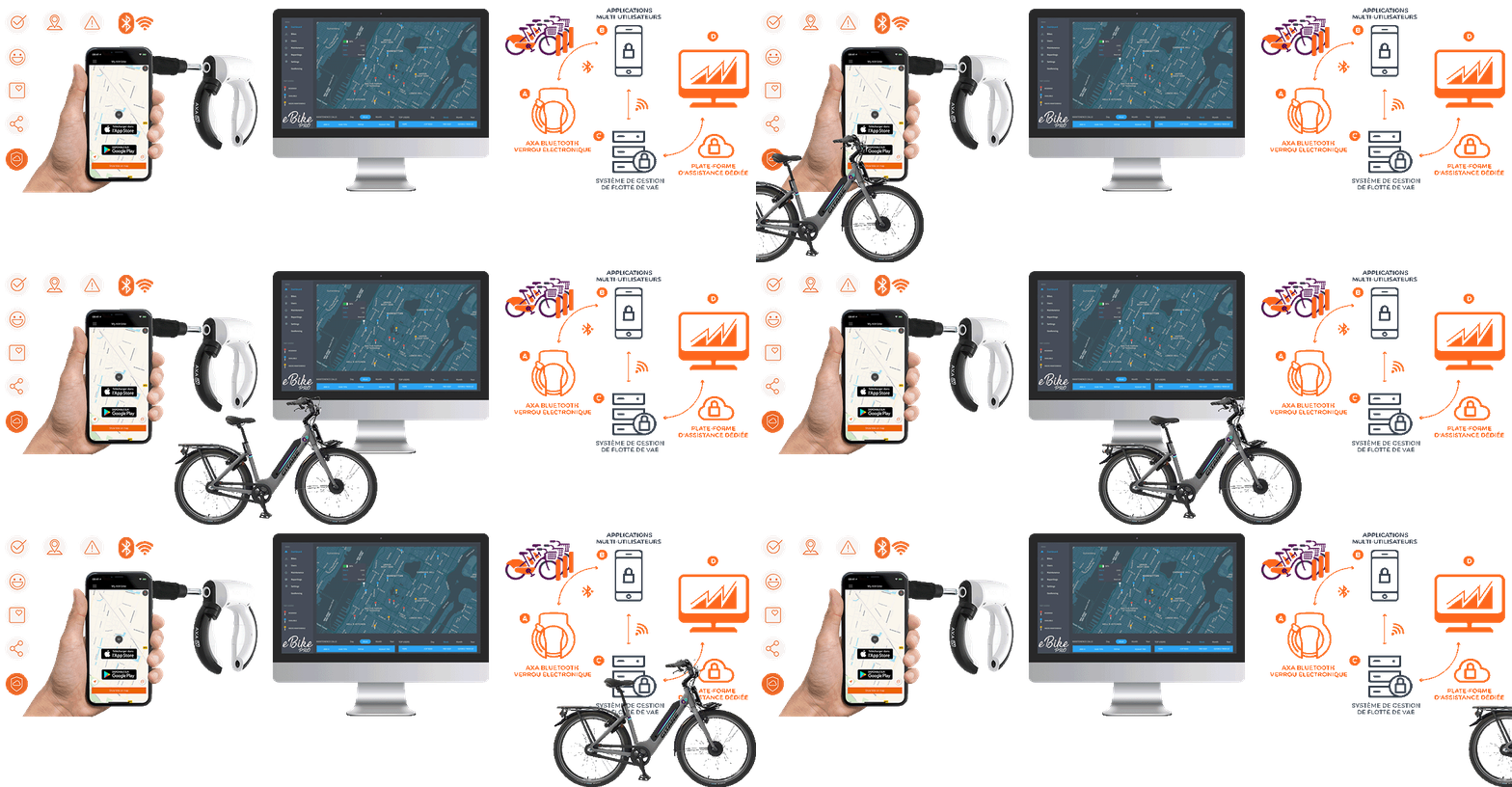
- To pause your ride, secure the ebike with its cable and rear-wheel lock : :
- Open the AsYouRide by eBikePro app and tap "Close"
- Manually lower the lock lever to secure the ebike
- Wrap the cable around a fixed point and insert the metal tip into the corresponding lock slot
To open the lock of the ebike, simply tap “Unlock” in the app. The Bluetooth lock will open automatically.
End a Ride
- Go to one of the stations shown on the app map to end your ride and return the ebike
- Insert the cable tip into a free dock at the station
- If the station LED turns green, your ebike is securely docked. Payment is processed automatically, and the deposit hold is released.
- Your payment receipt will be available in the App.
- If the LED turns red or stays off, your ebike is not secured (try again or use another dock).
GENERAL TERMS AND CONDITIONS OF ACCESS AND USE : Click here